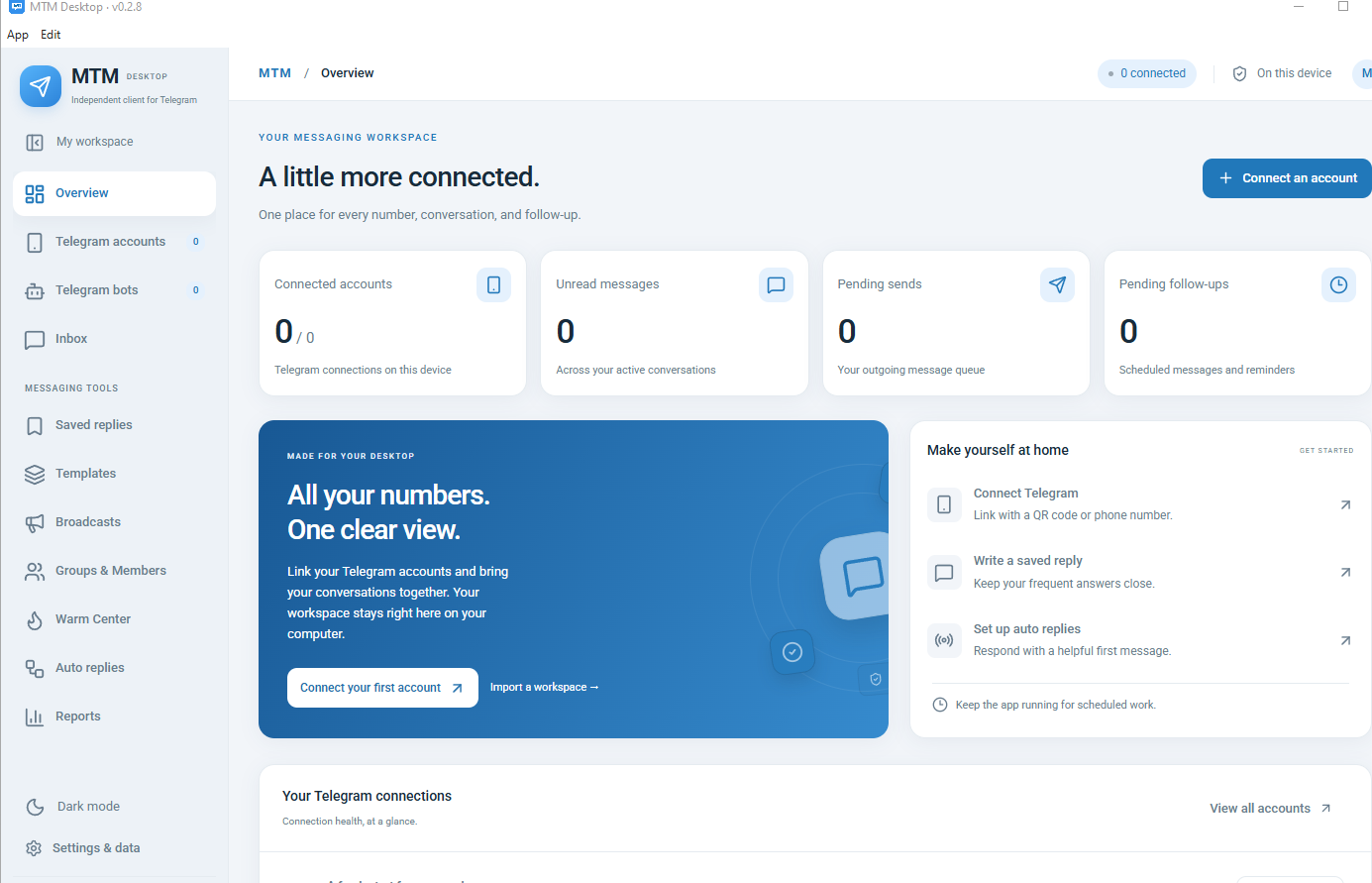
MTM / Telegram Operation guide
Explore Telegram account and bot setup, saved replies, templates and broadcast preparation.
Workflow steps
Accounts and bots, conversations and broadcast preparation have separate uses.
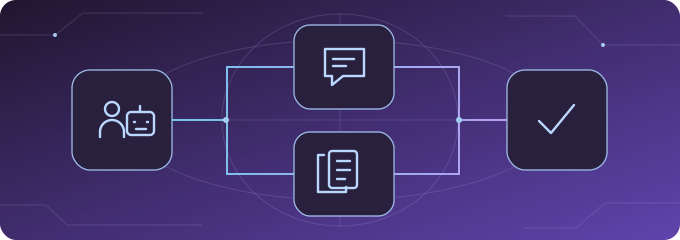
Choose the right entry
Telegram accounts, Telegram bots and Inbox are separate navigation entries. Review the relevant connection instructions for the account or bot you intend to use.
Saved replies for conversations
Saved replies hold reusable answers for Inbox. Find and insert the relevant reply, then review the conversation and wording before sending.
Templates for broadcasts
Templates provide reusable messages and variants for broadcast preparation. A template is content to review, not proof that a broadcast has run or arrived.
Preview and review
Confirm the intended recipients and permissions, check the account, and prepare the list and content. Review the preview before deciding on the next action. This is a suggested preparation order.
Explore the MTM steps.
Four guides, including the updated account and broadcast illustrations.
The images currently use Chinese annotations. Account and broadcast screens are read-only UI demonstrations with no real account connected; their disclosures remain visible.